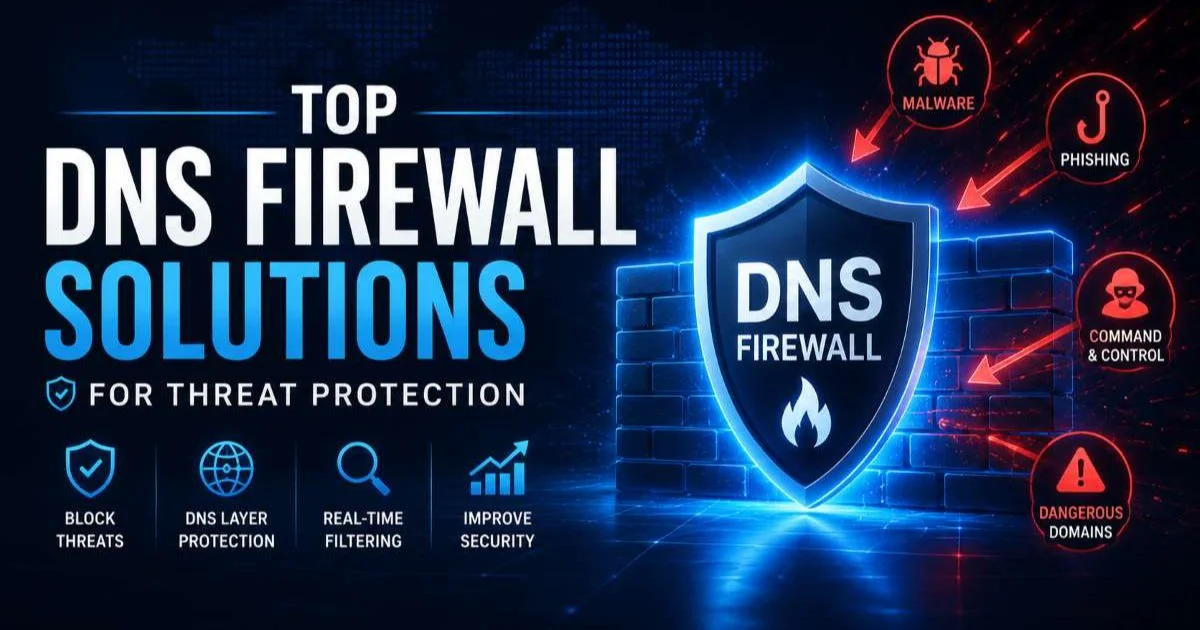
Top DNS firewall solutions for threat protection have become a primary concern for IT security teams facing increasingly sophisticated cyber attacks targeting the Domain Name System. Every organization relies on DNS to translate domain names into IP addresses, and attackers know this makes it a high-value target.
Phishing campaigns, command-and-control communications, data exfiltration, and ransomware payloads all depend on DNS resolution at some stage of their kill chain. A DNS firewall sits at this critical junction, inspecting queries in real time and blocking connections to known malicious domains before any damage occurs.
Understanding how to evaluate, select, and deploy these solutions is not optional; it is a core responsibility for anyone tasked with defending network infrastructure. This guide walks you through the practical steps to identify the right DNS firewall for your environment and get it running effectively. For a foundational understanding of why DNS is targeted so often, read our detailed overview on what DNS security is, how it works, and real-world examples of attacks.
Key Takeaways
- DNS firewalls block threats at the query level before malicious connections are established.
- Threat intelligence feed quality matters more than the total number of feeds integrated.
- Policy customization by user group prevents overblocking that disrupts legitimate business operations.
- Logging and analytics capabilities are essential for incident response and compliance reporting.
- Hybrid deployment combining on-premises and cloud DNS firewalls covers both office and remote workers.
Step 1: Assess Your DNS Threat Landscape
Before selecting any product, you need a clear picture of the DNS threats your organization actually faces. Start by auditing your current DNS infrastructure. Identify how many recursive resolvers you operate, whether you use split-horizon DNS, and how much query volume flows through your network daily. Organizations handling 50,000 queries per second have very different requirements than those processing a few hundred. This baseline data will directly influence which solution architecture fits your needs.
Review your incident history for the past 12 months. Look for patterns in phishing attempts, malware callbacks, or suspicious domain lookups that your existing security tools flagged. If your SIEM logs show repeated connections to newly registered domains or domains with high entropy strings, that points to automated malware using domain generation algorithms (DGAs). These patterns tell you which detection capabilities your DNS firewall must prioritize.
Common DNS Attack Vectors
DNS tunneling remains one of the stealthiest exfiltration methods, encoding stolen data into DNS query strings that bypass traditional firewalls entirely. Attackers also abuse DNS to redirect users to spoofed login pages through cache poisoning or by registering typosquatting domains. Security risks sometimes hide in unexpected places; for example, even routine operations like converting files to PDF can introduce hidden security vulnerabilities that attackers chain with DNS-based attacks. Understanding these vectors helps you write more precise firewall rules later.
Domain generation algorithms deserve special attention because they allow malware to generate thousands of random domain names daily, making static blocklists useless. Your DNS firewall needs machine learning or heuristic analysis to catch these. Map each attack vector to a required feature so you can score solutions objectively during evaluation rather than relying on vendor marketing claims.
Also Check: Domain Authority vs Domain SEO Strength Explained
Step 2: Evaluate Top DNS Firewall Solutions for Threat Protection
The market for top DNS firewall solutions for threat protection includes both cloud-native services and on-premises appliances. Cisco Umbrella (formerly OpenDNS) dominates the cloud-delivered category with its massive threat intelligence network processing over 620 billion DNS requests daily. Infoblox BloxOne Threat Defense appeals to enterprises that already run Infoblox for DDI (DNS, DHCP, IPAM) because it integrates natively. Akamai's Enterprise Threat Protector and Palo Alto Networks DNS Security are strong contenders with deep integration into their broader security ecosystems.
Solution Comparison
| Solution | Deployment | Threat Intelligence | DGA Detection | SIEM Integration | Best For |
|---|---|---|---|---|---|
| Cisco Umbrella | Cloud | Cisco Talos | Yes (ML-based) | Splunk, QRadar, others | Distributed enterprises |
| Infoblox BloxOne | Hybrid | Infoblox Threat Intel | Yes | Native API + Syslog | Existing Infoblox customers |
| Akamai ETP | Cloud | Akamai threat data | Yes | Splunk, ArcSight | Web-heavy organizations |
| Palo Alto DNS Security | Hybrid | Unit 42 | Yes (inline ML) | Cortex XSOAR | Palo Alto NGFW users |
| HYAS Protect | Cloud | HYAS proprietary | Yes | REST API | Advanced threat hunting |
When evaluating these platforms, request a proof-of-concept trial lasting at least 30 days. During the trial, mirror your production DNS traffic to the solution and measure false positive rates. A solution that blocks 99.9% of threats but also flags 2% of legitimate business domains will generate enough support tickets to erode trust in the tool quickly. Track every false positive and false negative meticulously during testing.
Run your POC during a period that includes month-end processing, when employees access the widest variety of SaaS applications and external services.
Pricing models vary significantly. Cisco Umbrella and Akamai charge per user, while Infoblox often prices by appliance or DNS query volume. Factor in the total cost of ownership, including staff time for policy management. A cheaper solution that requires twice the administrative overhead may not save money at all. Also verify whether the vendor charges extra for premium threat intelligence feeds or advanced analytics dashboards.
Pay close attention to response time guarantees. DNS resolution adds latency to every web request, so your firewall must process queries in under 10 milliseconds to avoid degrading the user experience. Ask vendors for their median and 99th percentile response times from data centers nearest your primary offices. Any solution adding more than 20ms at the 99th percentile will be noticeable to end users accessing latency-sensitive applications.
"A DNS firewall that blocks threats but adds noticeable latency will be disabled by frustrated administrators within weeks."
Step 3: Configure Policies and Threat Feeds
Once you have selected from the top DNS firewall solutions for threat protection, configuration determines whether the investment pays off. Start with a baseline policy that blocks domains in well-established threat categories: malware, phishing, command-and-control, cryptomining, and newly observed domains less than 24 hours old. Most platforms provide these categories out of the box. Resist the temptation to block everything aggressively on day one; instead, run the firewall in log-only mode for the first two weeks to identify legitimate domains that would be incorrectly blocked.
Building Effective Block Policies
Create separate policies for different user groups. Your finance team needs access to banking portals that may share hosting infrastructure with flagged domains. Your development team may query package registries hosted on recently created domains. A single policy applied uniformly across the organization will either leave gaps or cause constant exceptions. Group-based policies let you tighten controls for high-risk groups like executives (who are prime spear-phishing targets) while relaxing rules where operational needs demand it.
Never whitelist a domain permanently just because one user reported a block. Investigate every exception request; attackers sometimes socially engineer whitelist additions.
Integrate third-party threat intelligence feeds to supplement the vendor's built-in data. SURBL, Spamhaus DBL, and abuse.ch URLhaus are reputable free feeds that catch domains the vendor's proprietary feed might miss. However, overlapping feeds create redundant processing. Test each additional feed's unique contribution by measuring how many new blocks it generates that your primary feed did not already cover. If a feed adds fewer than 0.5% unique detections, it is not worth the overhead.
Configure your DNS firewall to apply DNSSEC validation on all responses. DNSSEC prevents cache poisoning by cryptographically verifying that DNS responses have not been tampered with. While DNSSEC adoption remains incomplete across the internet, validating signatures where they exist adds a meaningful layer of protection. Most enterprise DNS firewalls support DNSSEC validation natively, though you may need to enable it explicitly in the configuration.
Step 4: Deploy, Monitor, and Optimize
Deployment strategy depends on your workforce distribution. For office-based employees, redirect your recursive resolvers to forward queries through the DNS firewall. This typically involves changing forwarder addresses on your internal DNS servers or deploying the vendor's virtual appliance inline. For remote workers, deploy the vendor's lightweight endpoint agent that intercepts DNS queries regardless of the user's network. Cisco Umbrella's roaming client and Infoblox's BloxOne Endpoint are examples of agents that enforce DNS firewall policies off-network.
If you use split-tunnel VPN, remote workers' DNS queries may bypass your corporate resolvers entirely. Endpoint agents solve this gap.
Monitoring Best Practices
Forward all DNS firewall logs to your SIEM or security analytics platform. Create correlation rules that flag when a single endpoint generates an unusual spike in blocked queries, which often indicates active malware trying to reach its command-and-control server. Also monitor for slow DNS resolution times that could signal a misconfiguration or capacity issue. Set up weekly reports showing blocked threat categories, top blocked domains, and top querying endpoints for review by your security operations team.
Schedule quarterly reviews of your DNS firewall policies. Threat landscapes shift, and policies that worked six months ago may need adjustment. During each review, analyze the false positive log, remove unnecessary whitelist entries, and evaluate whether new threat categories should be added. Check whether your vendor has released new detection features or threat feeds that you have not yet enabled. Treat policy management as a living process rather than a set-and-forget configuration.
Performance monitoring is equally important. Track query response times at the 50th and 99th percentiles weekly. If latency increases, investigate whether a recently added threat feed is causing processing delays or whether query volume has grown beyond your current infrastructure's capacity. Many top DNS firewall solutions for threat protection offer auto-scaling in cloud deployments, but on-premises appliances require manual capacity planning. Document your capacity thresholds and set alerts at 80% utilization to give yourself time to scale before performance degrades.
Frequently Asked Questions
?How do I audit my DNS infrastructure before choosing a firewall?
?Is a cloud DNS firewall enough, or do I also need an on-premises one?
?How much does deploying a DNS firewall solution typically cost?
?Can strict DNS firewall policies accidentally block legitimate business traffic?
Final Thoughts
Selecting and deploying top DNS firewall solutions for threat protection is a high-impact investment that stops threats at one of the earliest stages of an attack. The key is matching the solution's capabilities to your specific threat landscape, testing rigorously before committing, and treating policy configuration as an ongoing discipline.
No single product eliminates all DNS threats, but a well-configured DNS firewall with quality threat intelligence dramatically reduces your attack surface. Pair it with strong logging, regular policy reviews, and endpoint coverage for remote workers, and you will have a defense layer that earns its place in your security stack.
Disclaimer: Portions of this content may have been generated using AI tools to enhance clarity and brevity. While reviewed by a human, independent verification is encouraged.